
Welcome to Airport City!

AirportCityGame.com is the Number One place to be when it comes to the hit game Airport City!

Real time chat to other players, trade items together, complete space missions, form & arrange alliances and much much more. It's all here at AirportCityGame.com

Windows Cannot Get Past Loading Screen

Device
  1. Windows PC
Username
VoodooSevenTwo
Is anyone else having an issue where you try to load the game and it gets stuck on the loading screen? This started on the website and has continued on the Windows app as well. I've already tried clearing cache and restarting my PC for the browser version, restarting, clearing app data for the app version, even uninstalled and reinstalled, so I don't think it's on my side. When I click OK on the server connection error pop-up in the app, it pops up another window saying Available at Level 3. I click OK to that, and the pop-up goes away then the screen does not proceed. I contacted support already. What's weird to me is that I can load a brand-new game just fine on the app, but not on the website. I also noticed that the Support ID is not my usual one. If anyone has any suggestions, I would appreciate it.
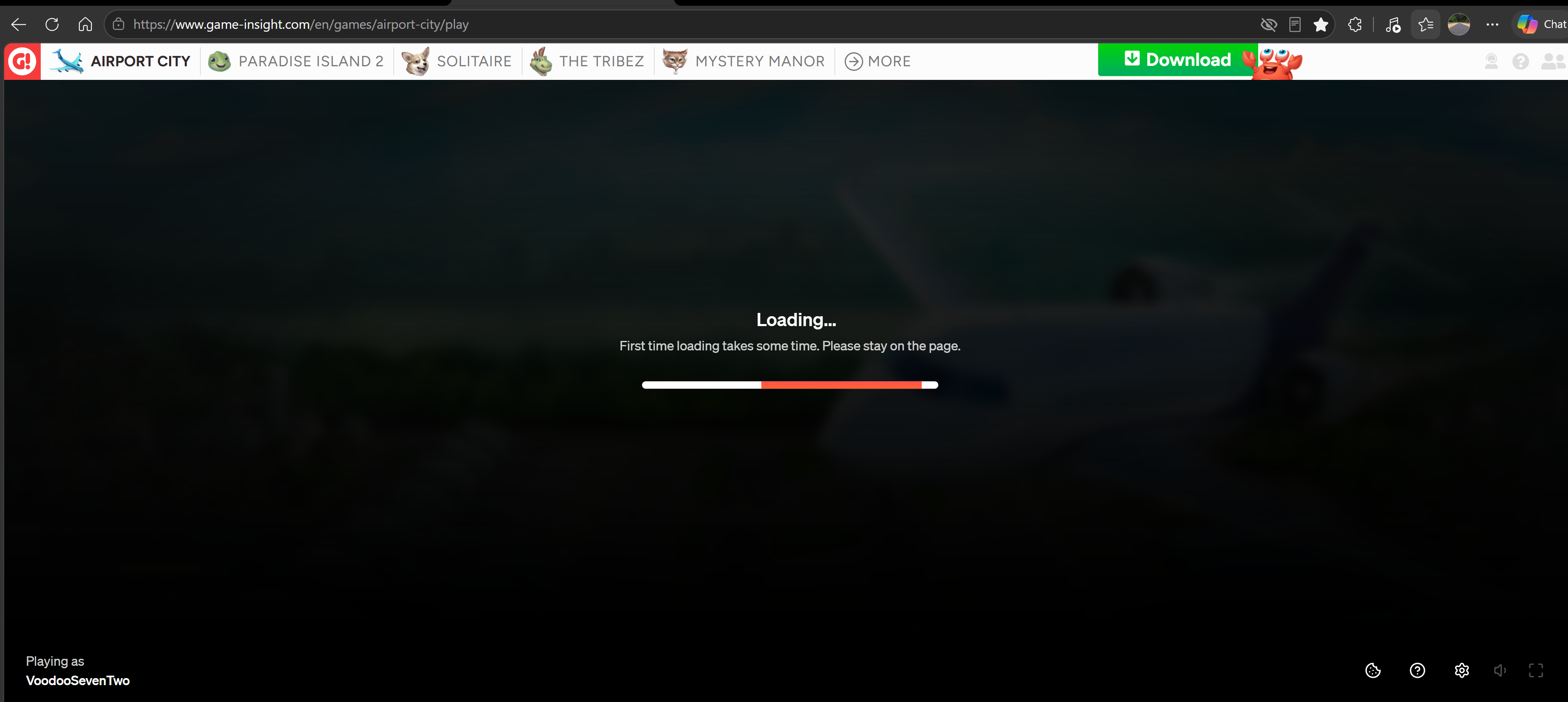
1789701148842.png
1789701770969.png
 

Tom-SUB

1600+ Star Club
All New Tadashi
Device
  1. Android
  2. Windows Mobile
  3. Windows PC
  4. None of the above
Friend Code
n/a
Username
Tom
customer service can solve this problem Wait until they are replying. Of course you can try again to load. Let's see.
Sadly this problem appears sometimes, and GI is not able to avoid that this problems happens. Sadly.
 
Device
  1. Windows PC
Username
VoodooSevenTwo
customer service can solve this problem Wait until they are replying. Of course you can try again to load. Let's see.
Sadly this problem appears sometimes, and GI is not able to avoid that this problems happens. Sadly.
Thanks, Tom. I have tried loading many times, same result. I have been playing the game for a long time and never had this issue, so was hoping maybe someone else had it happen and could offer suggestions.
 

Tom-SUB

1600+ Star Club
All New Tadashi
Device
  1. Android
  2. Windows Mobile
  3. Windows PC
  4. None of the above
Friend Code
n/a
Username
Tom
Thanks, Tom. I have tried loading many times, same result. I have been playing the game for a long time and never had this issue, so was hoping maybe someone else had it happen and could offer suggestions.
I got this problem many times. With my main account I got at least four different Support ID's. :-D Last time when it happened: I cannot load it on my tab. New SUpport ID. THe support took a while, restored all things, Alliance and neighbours. I got some greenies and other bonuses. Some month later I accidentally open the Windows GI App and my old account was there. Thanks for that gift, GI. :-D . Sometimes it can be lucky to play on different computer, handphones with the same Support ID ;-)
 
Is anyone else having an issue where you try to load the game and it gets stuck on the loading screen? This started on the website and has continued on the Windows app as well. I've already tried clearing cache and restarting my PC for the browser version, restarting, clearing app data for the app version, even uninstalled and reinstalled, so I don't think it's on my side. When I click OK on the server connection error pop-up in the app, it pops up another window saying Available at Level 3. I click OK to that, and the pop-up goes away then the screen does not proceed. I contacted support already. What's weird to me is that I can load a brand-new game just fine on the app, but not on the website. I also noticed that the Support ID is not my usual one. If anyone has any suggestions, I would appreciate it.
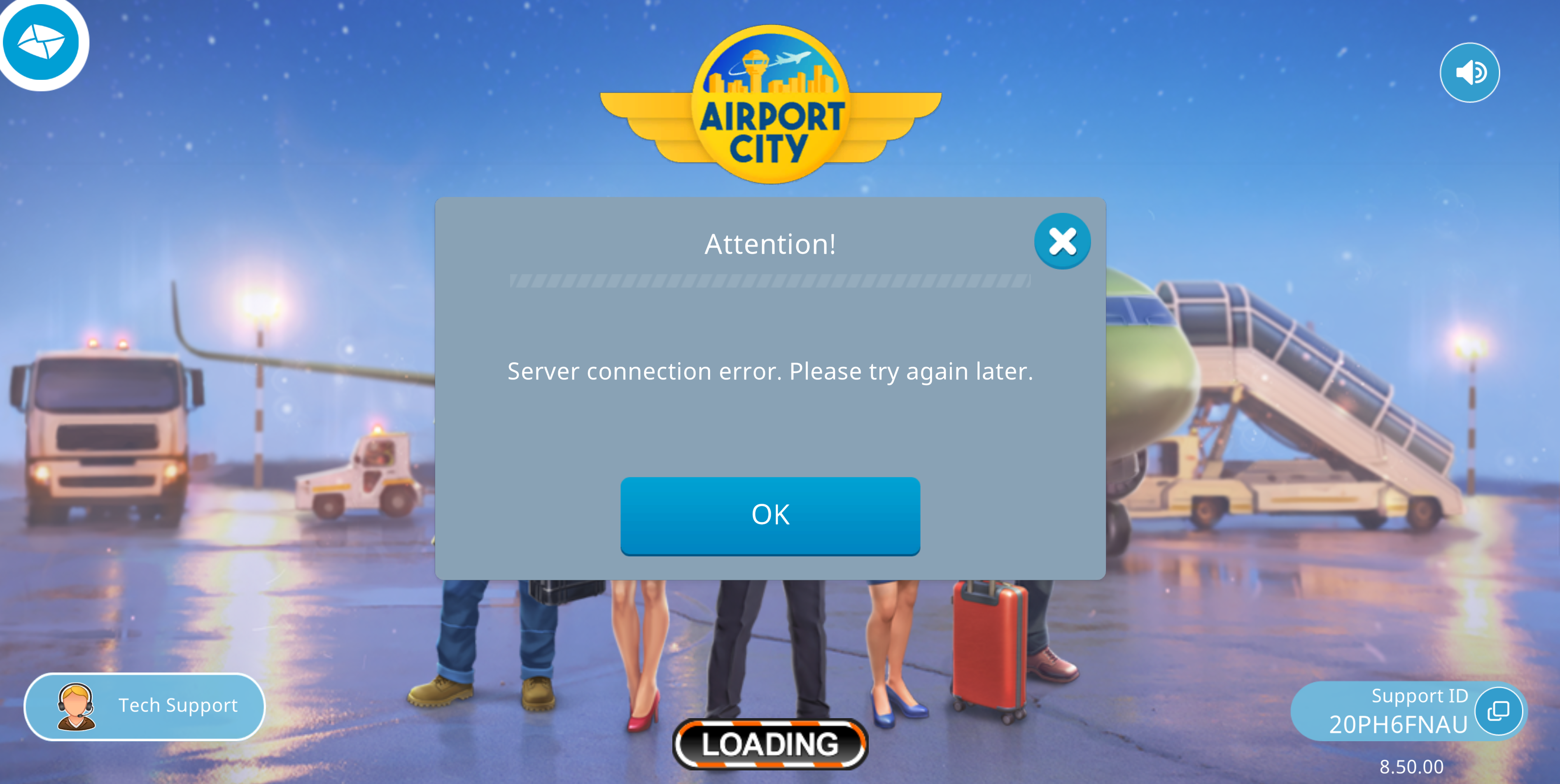
View attachment 79714 View attachment 79715
The problem of inconsistent game versions, which I also encountered a few months ago, is due to the inconsistency between the PC and mobile game version numbers.
I have to know that I have been playing on my phone for a week
 
Device
  1. Windows PC
Username
VoodooSevenTwo
The problem of inconsistent game versions, which I also encountered a few months ago, is due to the inconsistency between the PC and mobile game version numbers.
I have to know that I have been playing on my phone for a week
That could be the case, except I was solely using the browser version when the issue began. I only downloaded the Windows app to see if I could log in there. The good news is, today, I am able to use the Windows app - but still cannot load the web version. After contacting support, they replied with needing more information (I couldn't get to my support ID). I gave them the information they asked for, and they replied with the typical clear cache, use a different browser, etc. I already did all of that so I just told them it's ok I will use the app version now. App gets better rewards anyway ;)
 
Top Bottom